
Configure a rule
Bind a phrase such as “show card three” to a card or character action. Add alternate phrases when needed.
LivePet lets a host say a fixed voice command to switch a product card, trigger a character action, play a sound, or show a caption. Recognition, assets, and show settings stay on the local computer.
Common usesRetailBeautyFoodGamingEducationEntertainment
Scroll for the next section
Microphone input, local recognition, command confirmation, and rendering happen on the same Windows machine.
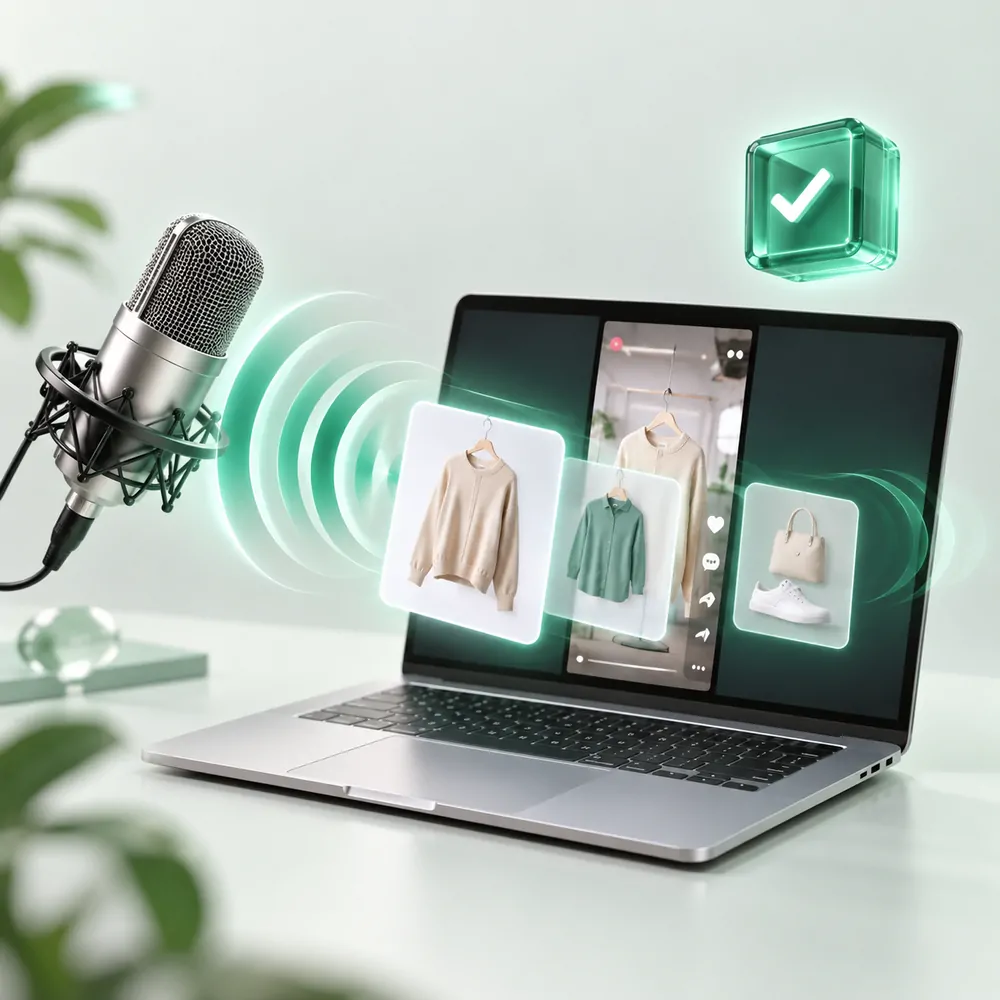

Images are product illustrations. The installed client remains the source of truth for the final interface.
LivePet does not switch the scene just because it heard a keyword. The full command must be confirmed first.
Bind a phrase such as “show card three” to a card or character action. Add alternate phrases when needed.
Streaming output gives the host feedback; contextual confirmation decides whether the action is valid.
The asset is loaded, validated, rendered, and acknowledged before it replaces the last confirmed scene.
Show card threeSwitch to the third product imageShow detailOpen the material close-upNext cardAdvance through the card listModel turnPlay a character or motion cardThe phrases above are examples. Each show defines its own rules and cooldowns.
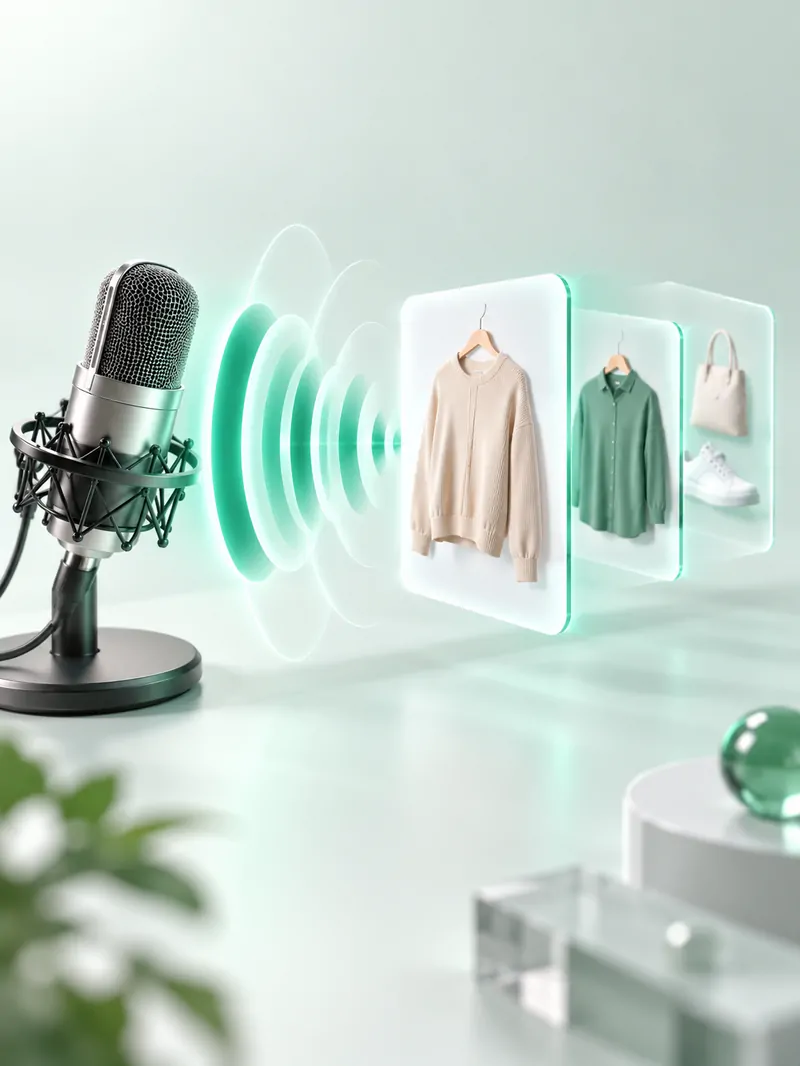
Each scenario can use its own cards, phrases, characters, and show settings.
Move from hero image to size, material, and detail views while presenting.
Show card threeProduct heroShow detailClose-upNext cardList loopSwitch between swatches, ingredients, and before-and-after visuals without breaking rhythm.
Show swatchColor viewShow ingredientsFormula cardBack to heroMain productAdvance slides, diagrams, and examples as the presenter moves through a lesson.
Show outlineCourse outlineShow exampleCase slideNext cardLesson flowLivePet covers the repeated operational work around a voice-triggered visual interaction.
Platform events such as gifts, comments, and follows are local test events until a formal platform integration is enabled.
The core recognition and rendering loop is designed to run on the host computer.
The model and inference run on the machine. Microphone audio and voice cues do not need to be uploaded.
Programs, settings, assets, rehearsal history, and analytics are stored in the local data directory.
Support exports omit activation codes and keep device identifiers partially masked.
Local statistics contain dates, outcomes, sources, and rule IDs, not recordings or audience identity.
OBS credentials and order keys use Windows DPAPI instead of plaintext configuration values.
Install the client, connect the output window to your livestream software, configure cues, and rehearse before going live.